

In today’s digital age, a website is often the first point of contact between your business and potential customers. It’s a virtual storefront, a platform for communication, and a vital tool for marketing and sales.
However, not all websites are created equal, and many fall short of their intended purpose.
If you suspect that your website might be underperforming, it’s time to ask yourself three simple questions that can reveal just how ineffective it really is.
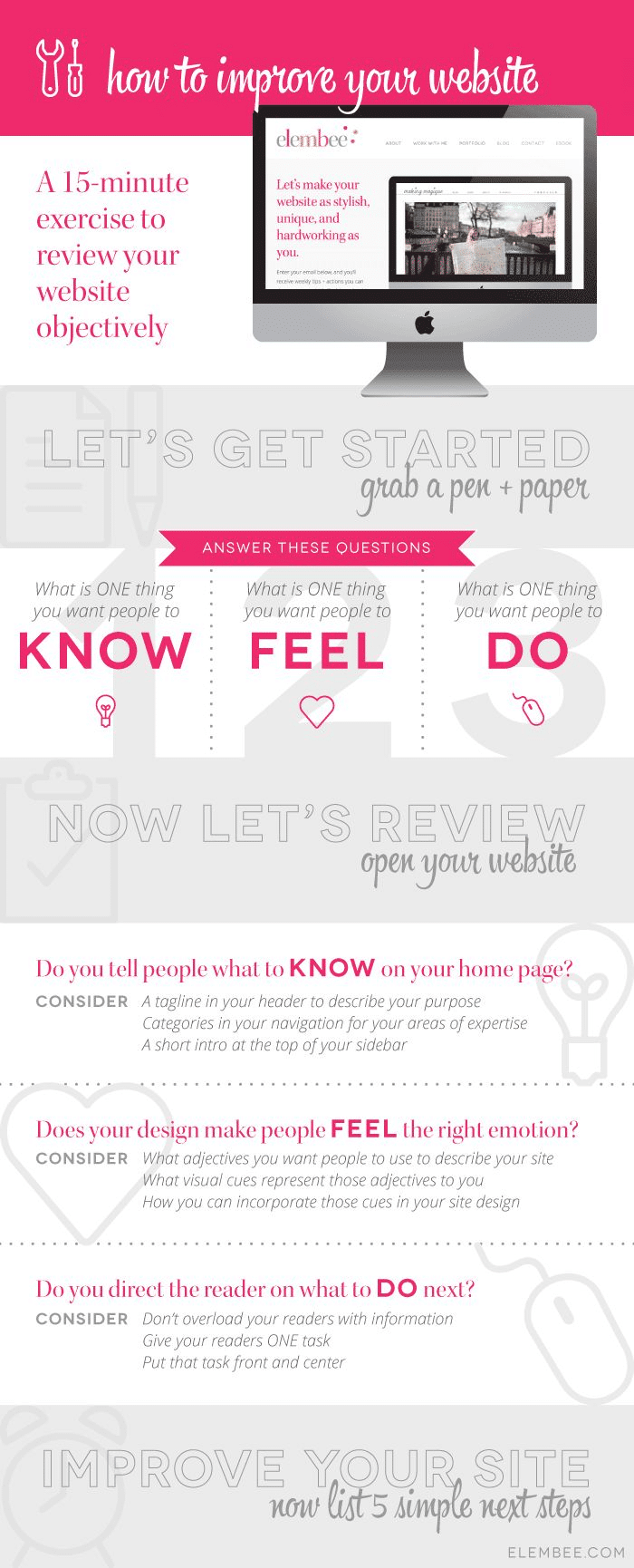
Infographic by Elembee.
- Is Your Website Slow and Clunky?
Imagine walking into a physical store, only to find that the door is stuck, the lights are flickering, and the aisles are cluttered and confusing. Would you stay and shop, or would you quickly leave in frustration? The same principle applies to your website’s performance.
Website speed and responsiveness are critical factors that can make or break user satisfaction. If your site takes ages to load, visitors are likely to bounce off and look for alternatives. Research shows that even a one-second delay in page load time can result in a 7% reduction in conversions. In today’s fast-paced world, people expect websites to load quickly, and if yours doesn’t, you’re losing potential customers.
To assess your website’s speed and performance, consider using online tools like Google PageSpeed Insights or GTmetrix. These tools analyze your site’s loading times and provide suggestions for improvement. Some common issues that can slow down your website include large image files, excessive plugins, and outdated code.
Addressing these issues can significantly improve your website’s speed and user experience, ultimately leading to better results for your business.
- Is Your Website Content Outdated or Irrelevant?
Your website is a reflection of your business, and outdated or irrelevant content can quickly turn visitors away. When was the last time you reviewed and updated your website’s content? If it’s been a while, you may be missing out on opportunities to engage and inform your audience.
Outdated content can take many forms. It could be information about products or services that are no longer offered, contact details that have changed, or blog posts that are no longer relevant. When visitors encounter such content, it erodes their trust in your brand and can lead to a negative perception of your business.
To assess the relevance of your website’s content, start by conducting a thorough content audit. Review all the pages, blog posts, and other elements of your site to identify anything that’s outdated or no longer serves a purpose. Update or remove this content as needed.
In addition to keeping your content up to date, it’s essential to ensure that it’s relevant to your target audience. Are you addressing their pain points, answering their questions, and providing valuable insights? If not, you may be missing opportunities to connect with potential customers.
Regularly publishing fresh and valuable content, such as blog posts, articles, or videos, can not only keep your website up to date but also boost your search engine rankings and establish your authority in your industry.
- Is Your Website Difficult to Navigate?
A user-friendly website is essential for providing a positive user experience. If visitors can’t easily find what they’re looking for or navigate your site, they’re likely to leave frustrated. Poor navigation can significantly impact your website’s effectiveness and conversion rates.
To determine if your website is difficult to navigate, put yourself in the shoes of a first-time visitor. Can you quickly locate essential information, such as your contact details, product or service offerings, and pricing? Is the menu intuitive and organized logically? Are there clear calls to action (CTAs) guiding visitors to take desired actions, such as making a purchase or filling out a contact form?
Usability testing, where you observe real users interacting with your website, can provide valuable insights into navigation issues. However, you can also conduct a simple self-assessment. Try to perform common tasks on your site, such as finding a specific product, signing up for a newsletter, or getting in touch with your customer support. Note any obstacles or confusion you encounter along the way.
If you identify navigation challenges, consider making the following improvements:
- Simplify your menu structure: Keep it concise and organized with clear labels.
- Use descriptive headings and subheadings: Make it easy for visitors to scan and find relevant information.
- Optimize your search functionality: Ensure that your site’s search bar provides accurate results.
- Add clear CTAs: Guide visitors toward desired actions with well-designed buttons and links.
- Mobile optimization: Ensure that your website is mobile-responsive for users on smartphones and tablets.
In conclusion, your website is a crucial tool for your business’s online presence, and its effectiveness can directly impact your success. By asking yourself these three simple questions—Is your website slow and clunky? Is your website content outdated or irrelevant? Is your website difficult to navigate?—you can gain valuable insights into the areas that may be hindering your website’s performance.
Remember that the digital landscape is constantly evolving, and ongoing maintenance and optimization are essential to keep your website effective. Regularly assess your website’s performance, gather user feedback, and stay up to date with industry best practices to ensure that your online presence continues to meet the needs of your audience and drive business success.

Author:
Mark Ford



